Automated External Defibrillator(AED) Language Change
Document No :WI-LSA-008
1. Revision And Approval :
|
Rev No |
Date |
Nature of changes |
Prepared by |
Reviewed by |
Approved by |
|
00 |
23 Feb 26 |
Origin of Documents |
QHSE Executive |
COO |
CEO |
- Press both the power and mode buttons together for 5 sec.
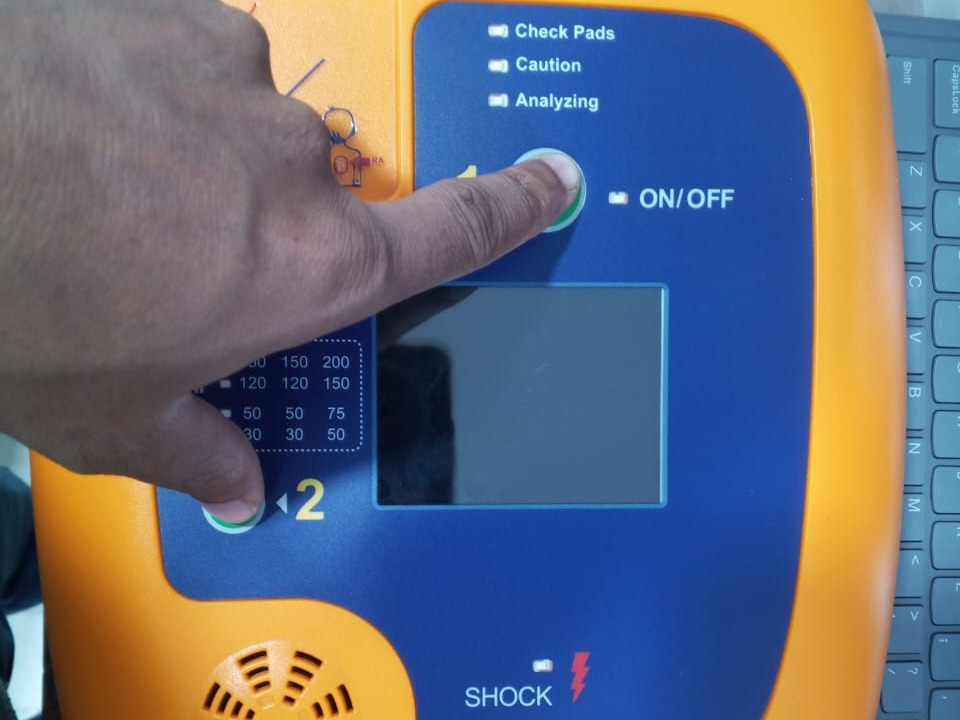
(See the button in fig 1.1)
2. The MENU interface opens.
3. Press the MODE button to change the volume level. (1...5 level)
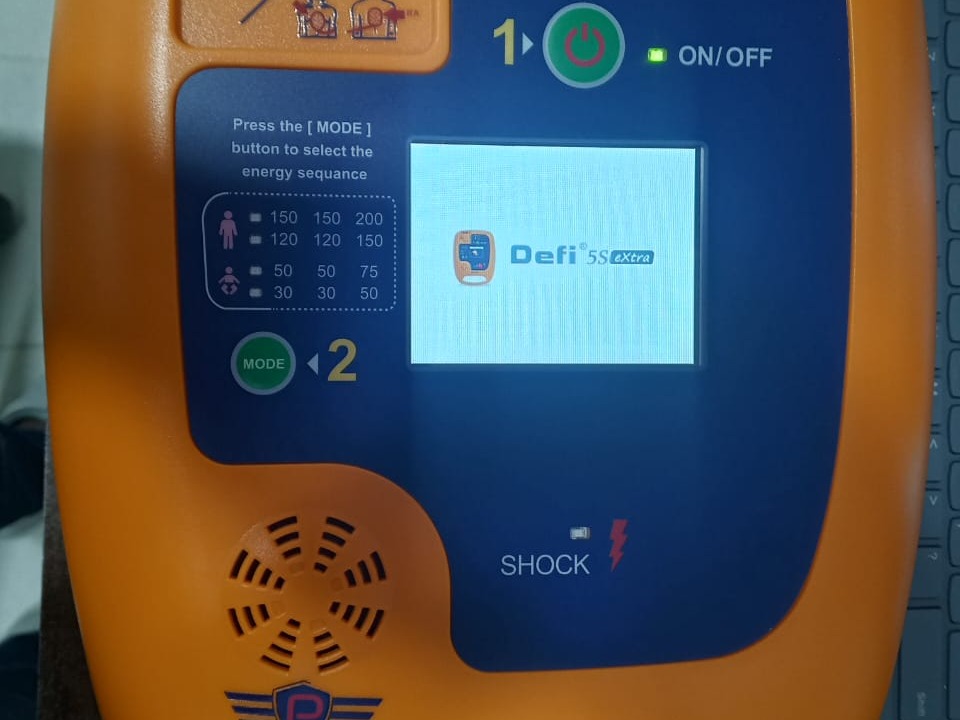
(See the button in fig 1.2)
4. Press the MODE button for 3 seconds for language change, untill lights start blinking.
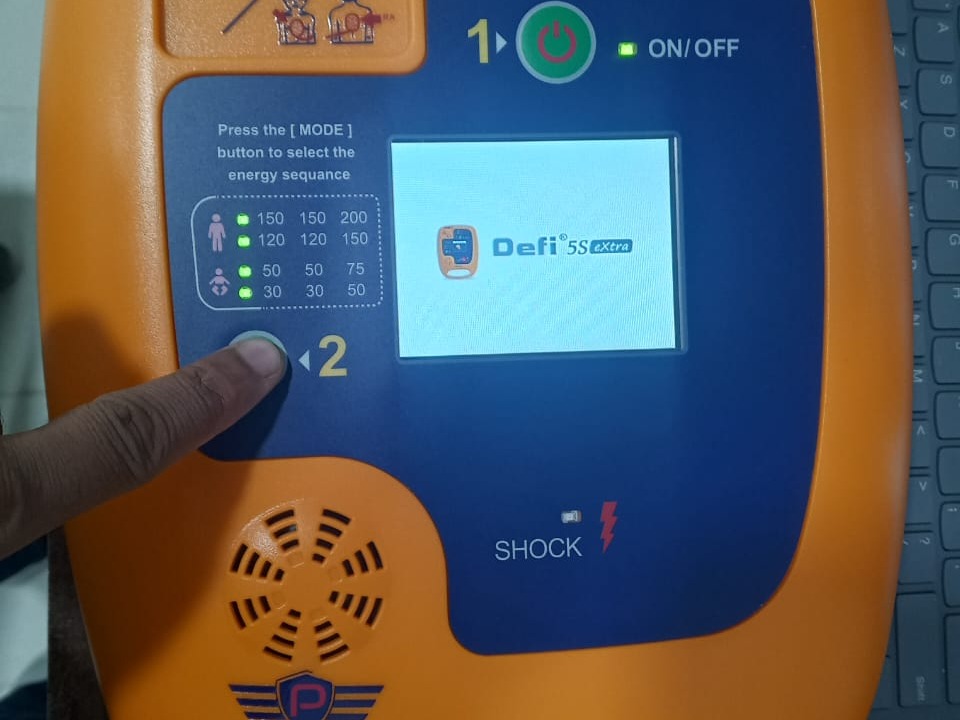
(See the button in fig 1.3)
NOTE: Speaking FAST is in the French or Portuguese language, then press the power button to select.
Speaking SLOWER is in the English language, then press the power button to select.